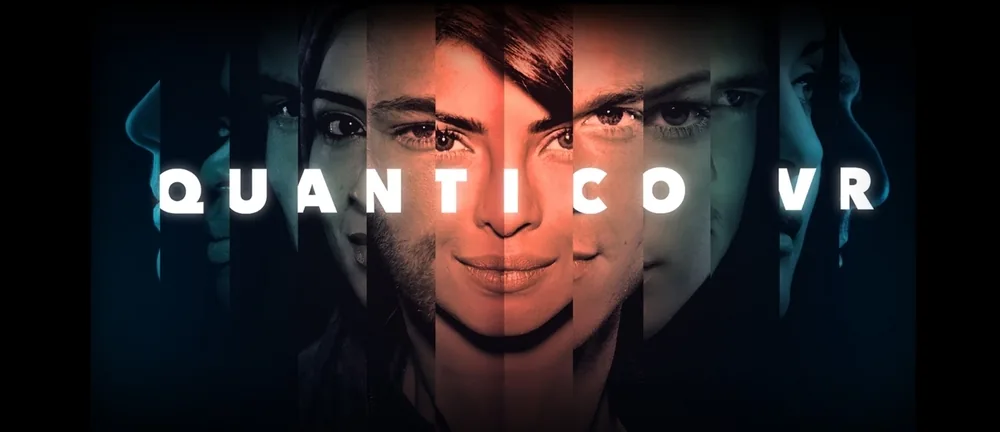
The Takedown
▼ Scroll down for more ▼
View with VR Headset
- Download the free Littlstar VR Cinema App, available on Samsung smartphones in the Oculus store.
- Insert your Samsung device into a Samsung Gear VR headset.
- Select Quantico: The Takedown within the Littlstar VR Cinema App.
View on Apple TV
- Download the free Littlstar App from the Apple App Store.
- Select Quantico: The Takedown within the App.
- Use your remote's trackpad to explore the world in 360 degrees.
View on Mobile
- Download the free Littlstar App, available on the App Store or Google Play.
- Select Quantico: The Takedown.
- Explore with your phone or tap the VR button to use with Google Cardboard or a similar VR viewer.